Assignar

OneCore Assignar-MYOB Integration

Two-way connector that syncs financial and workforce management data between Assignar and MYOB AccountRight

Your field operations and payroll, finally working from the same data

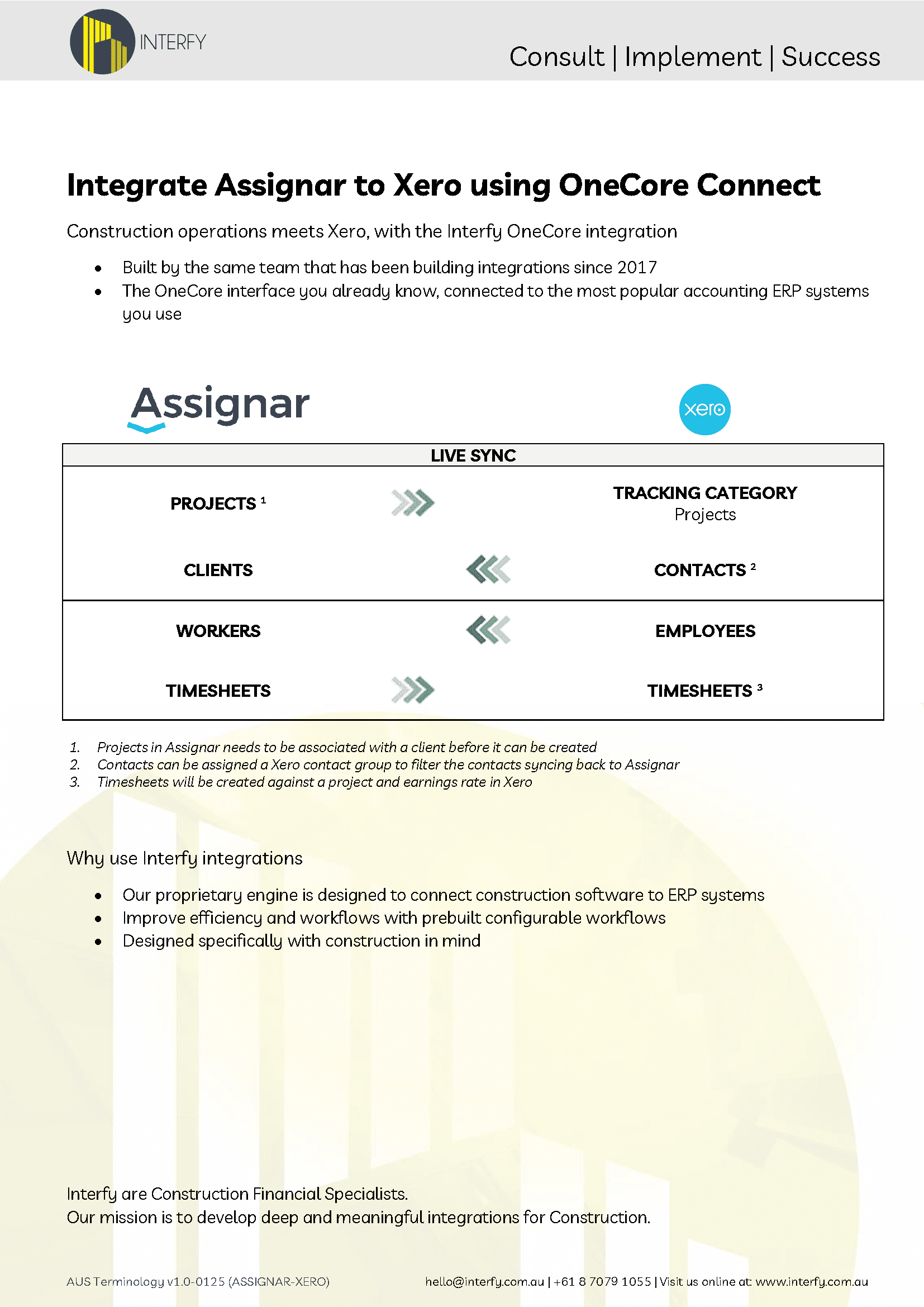
New projects sync automatically
Projects created in Assignar generate corresponding tracking categories in MYOB – no manual setup required
Employees sync from MYOB to Assignar
Set up your workers in MYOB for payroll, and they'll appear in Assignar as workers ready to be assigned to jobs
Clients and contacts stay aligned
Contacts created or updated in MYOB sync back to Assignar as clients, keeping both systems current
Timesheets flow from Assignar to MYOB automatically
Workers complete timesheets in Assignar, and entries are generated in MYOB against the correct project and earnings rate, ready for payroll approval
Overtime rules run in Assignar before the sync
Assignar's OT rules engine processes all timesheet data first, then OneCore matches the results to your MYOB payroll categories and generates the timesheet with the correct pay categories applied
Payroll category mapping handles complexity
Regular time, overtime, double time, shift allowances and EBA categories are all mapped between Assignar timesheet codes and MYOB payroll categories
Custom payroll category mapping at the employee level
Rates can be configured by employment type, project, or timesheet code, so that different rates per project or worker type are fully supported
Salaried employees are handled separately
Flag an employee as salaried in OneCore, and their Assignar timesheets won't generate a MYOB timesheet entry – thus avoiding duplicate payroll processing
Leave logged in Assignar syncs to MYOB
All timesheet-related entries are kept in Assignar, with leave flowing through automatically
Live sync across all transactions
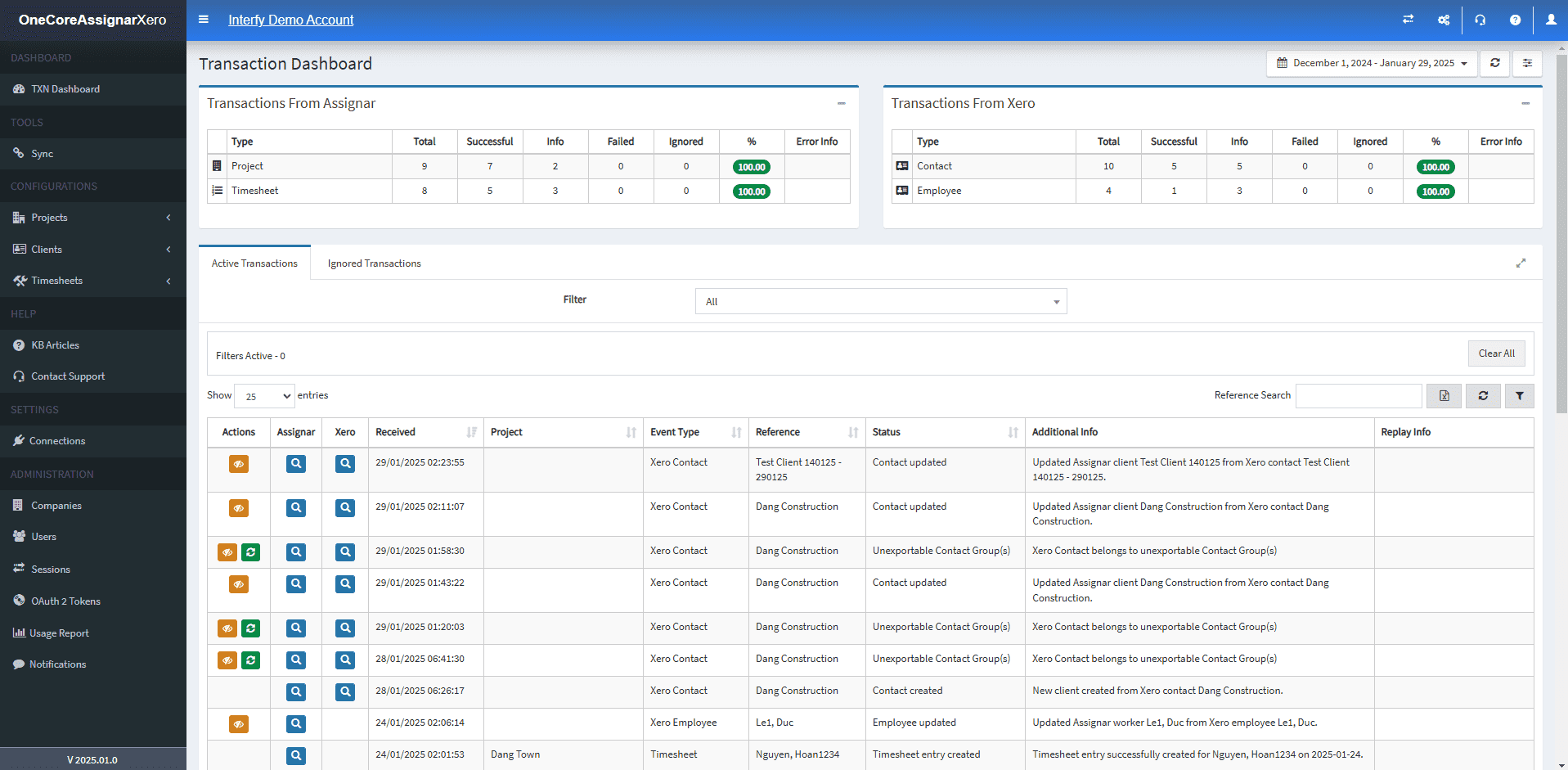
Data moves between Assignar and MYOB within 15-30 seconds of entry
A self-managed dashboard gives your team visibility
Full audit trail of all transactions, with the ability to make changes and resolve issues without raising a support ticket
Request A Demo
Case Study

RestoreFast

Learn how RestoreFast doubled invoice processing capacity and tripled top-line value by integrating Procore and Xero with Interfy’s OneCore.

More Info

“The functionality and user interface are easy to navigate and very straightforward. The support team is just incredible”

Holly McQueen
Environmental Impact and Office Manager
Verdecon

“We highly recommend Interfy and OneCore for their integrity, value for money, and exceptional customer support”

Gina Roberts
Director and Financial & Administration Manager
Southcoast Construction

“Our timesheet process actually saved us an FTE equivalent. We’re talking a full-time salary in terms of time savings.”
Renee Leith
Business Analyst
fgf Developments

You’re in good hands from day one

We've onboarded over 700 construction businesses across the globe. Our process is structured to minimise disruption and set you up for long-term success, years beyond go-live.

Request A Demo
01
Evaluate
02
Demo
03
Onboarding
04
Adoption
05
Review

Integration
Requirements

The following Procore product lines are required to use the Xero integration:

  • A valid Assignar subscription is required
  • A valid MYOB AccountRight account with Standard access is required

For pricing and new integration enquiries: hello@interfyconnect.com

FAQs

Does the integration work with Assignar Ops and Assignar Pay?

Yes, the integration can work with either Ops or Pay, or both.

Why choose the OneCore integration?

It’s the most widely used integration that has been improved and iterated since 2017 and has a client base of over 800 customers.

What if I need support?

We are an Australian-based company. Support is provided via phone during Australian and US business hours as well as e-mail support.

Request Demo

Ready to simplify your systems?
Book a demo and see how Interfy can transform your workflow.